
Bunks without the whiteboard
Set up the grades you take this summer with your own names, then drag campers into bunks. Bunkmate requests sit next to each name, and you can see which bunks still have room.
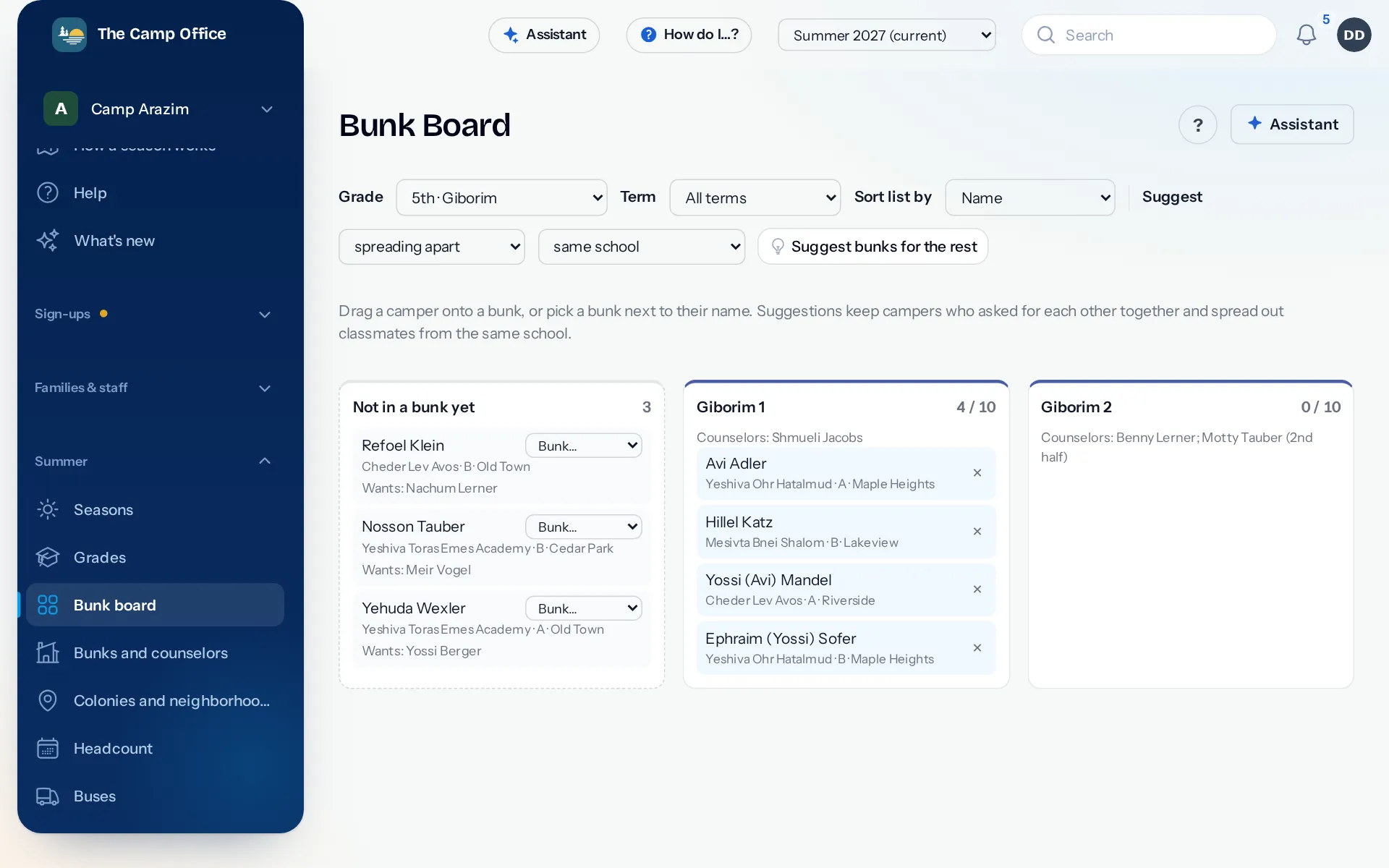
Grades and bunks, your way
Nursery to Beis Medrash: choose the grades you run, give them your names and colors, and set each bunk's beds and counselors. At a day camp, a bunk counts spots instead of beds.
- Suggestions keep friends who asked for each other together and spread out classmates from the same school.
- Counselors can be placed for the whole summer or one half.
- Bunk lists for counselors, rosters, arrival cards and name tags print from one screen.
Buses with routes from your bus company
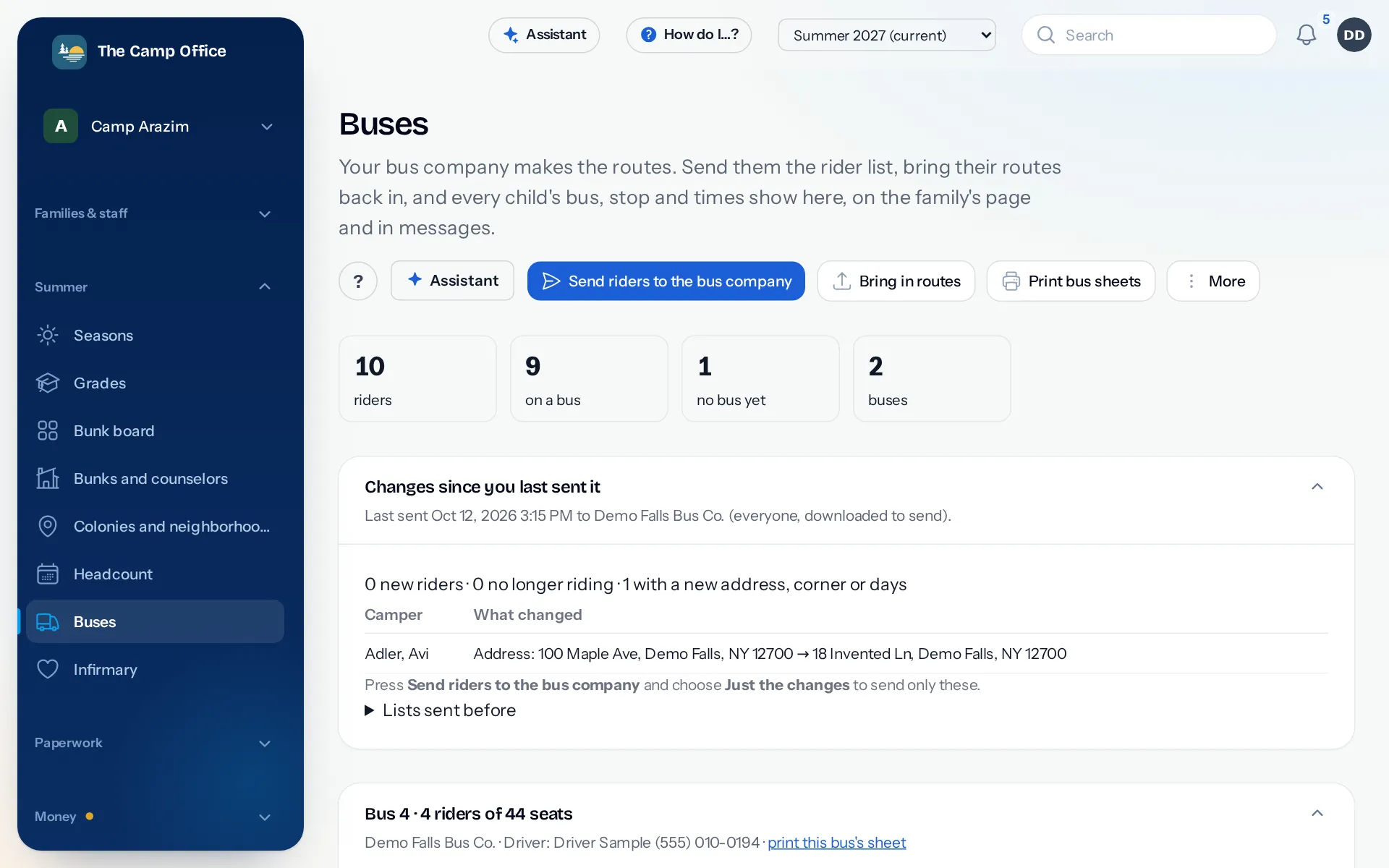
Send your bus company the rider list, or just the changes since last time. Bring their routes back in from their spreadsheet, and every child's bus, stop and times show on the family's page, on bus sheets for drivers and in messages.
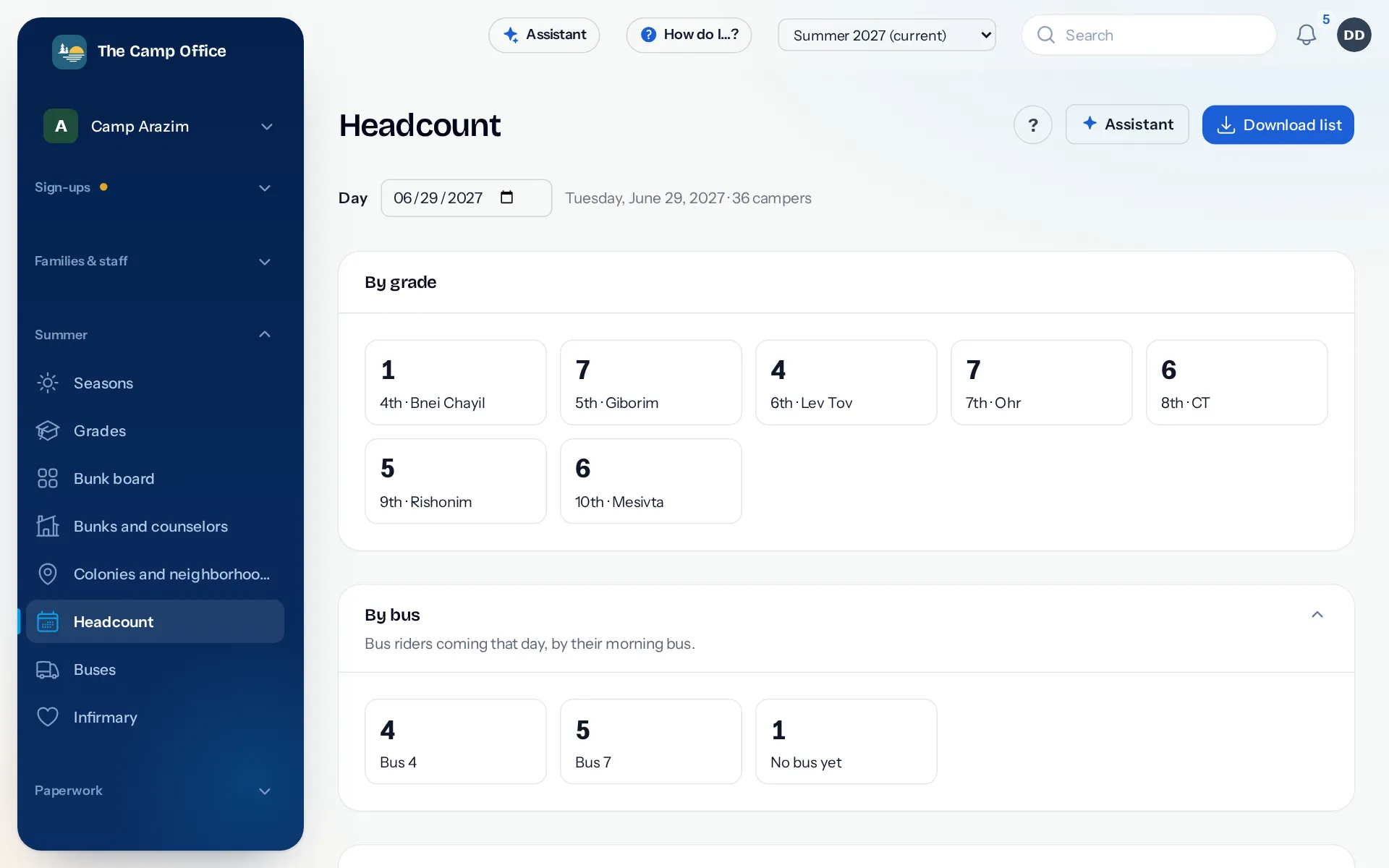
Who's here today
See who is at camp on any day, by grade and by bus, with allergies in the list. Download it for the morning count.
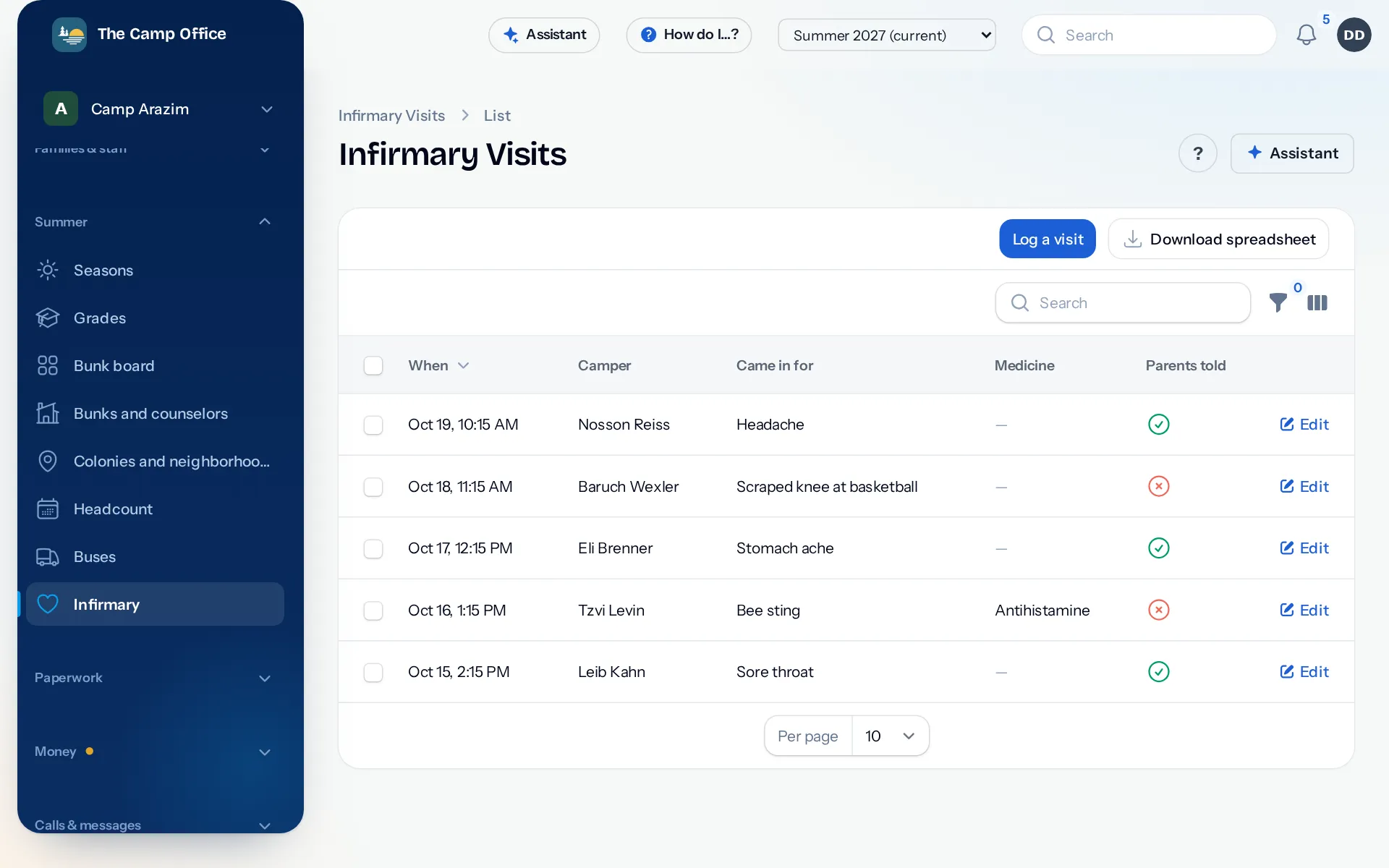
The infirmary log
The nurse writes down every visit: what the camper came in for, what was done, any medicine given and whether parents were told. Nurses see campers' health details and this log, and nothing else.
Hiring counselors and staff
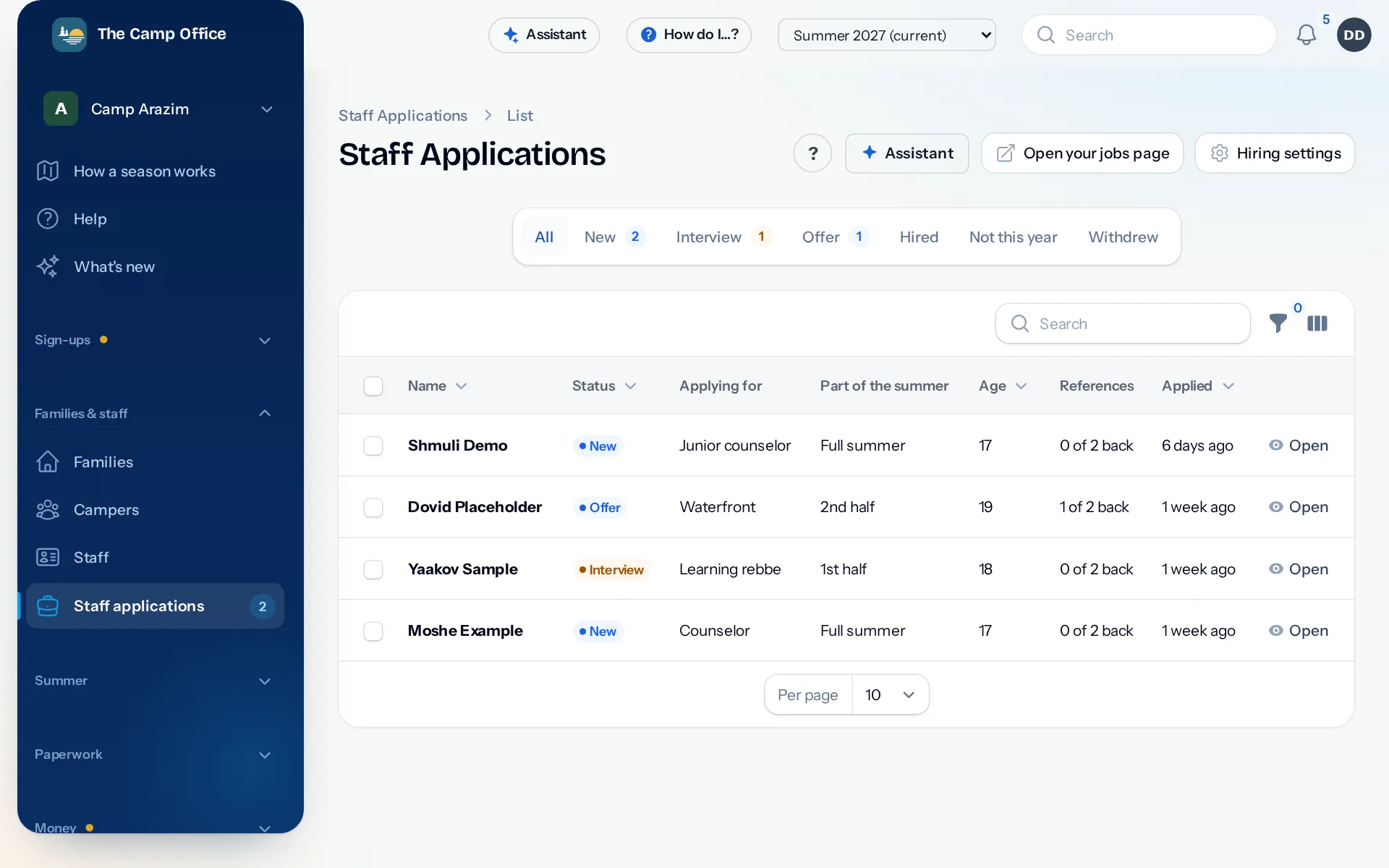
If you turn it on, counselors and staff apply on your own jobs page. References answer from a link, interviews and offers sit on one screen, and Hire puts them on the staff list without typing anything twice.
Questions about bunks, buses and staff
Can a bunk take two grades?
Yes. A bunk can be shared by grades, and each bunk can even have its own price.
Do counselors sign in?
No. Staff are on the staff list without a sign-in. Only the people you invite to the office sign in, each seeing what their role allows.
Can the nurse see billing?
No. Each role sees only its part. The nurse sees campers' health details and the infirmary log.
See it with your own camp in mind
Look around a sample camp with made-up families, or tell us about your camp and we'll show you how it would work for you.