
A page parents can use without calling the office
Each family gets its own private page, with no password to forget. Parents see what is still to do and take care of it themselves, from their phone.
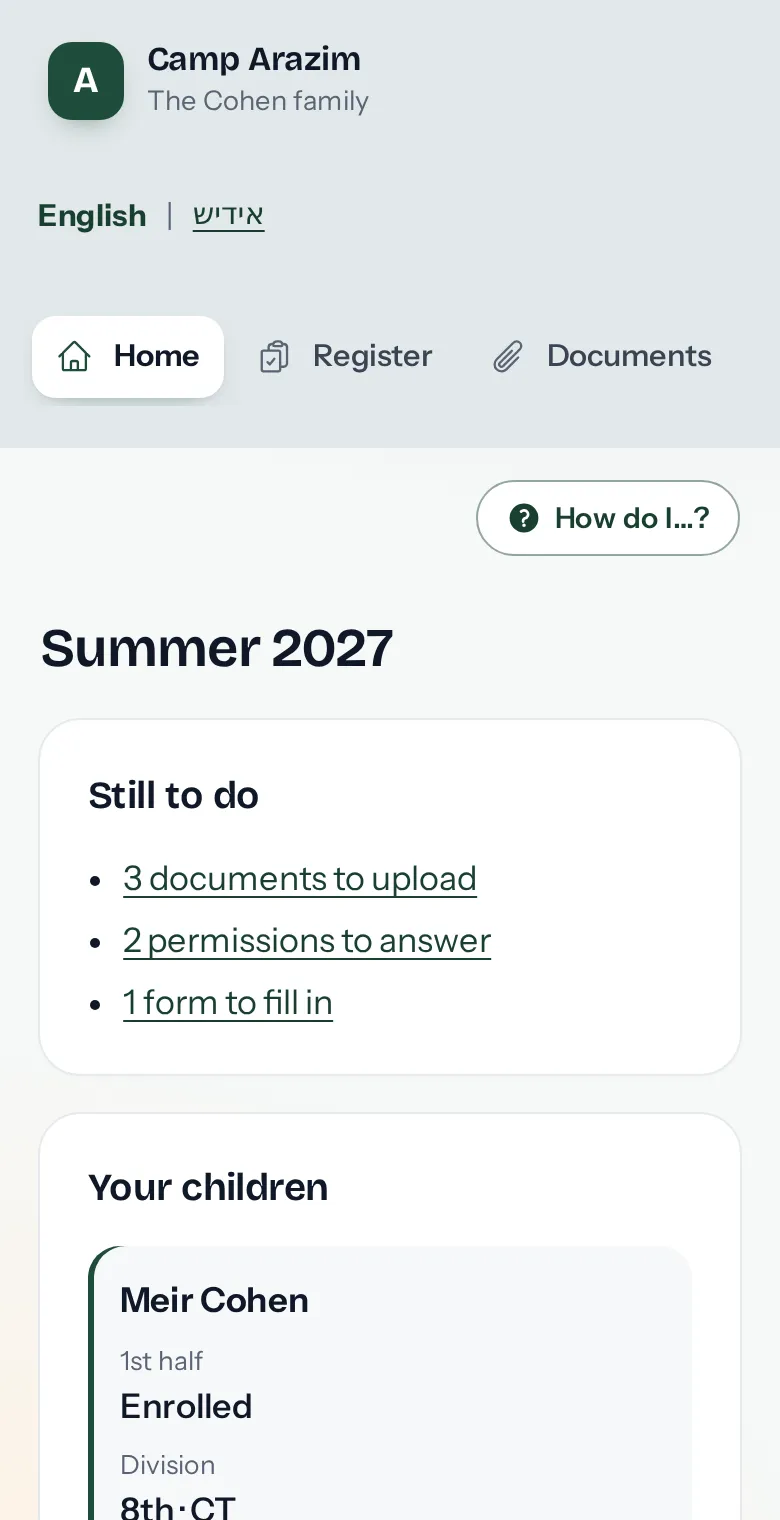
Everything a parent needs, in one place
Register the children, upload the medical form, answer permission slips and forms, update phone numbers and choose how they hear from camp. They see their invoices and statements and pay by card or bank account if you take payments online.
- A list of what is still to do this summer, at the top.
- "How do I…?" answers parents' questions about using the page, so fewer of them call the office.
In English or Yiddish
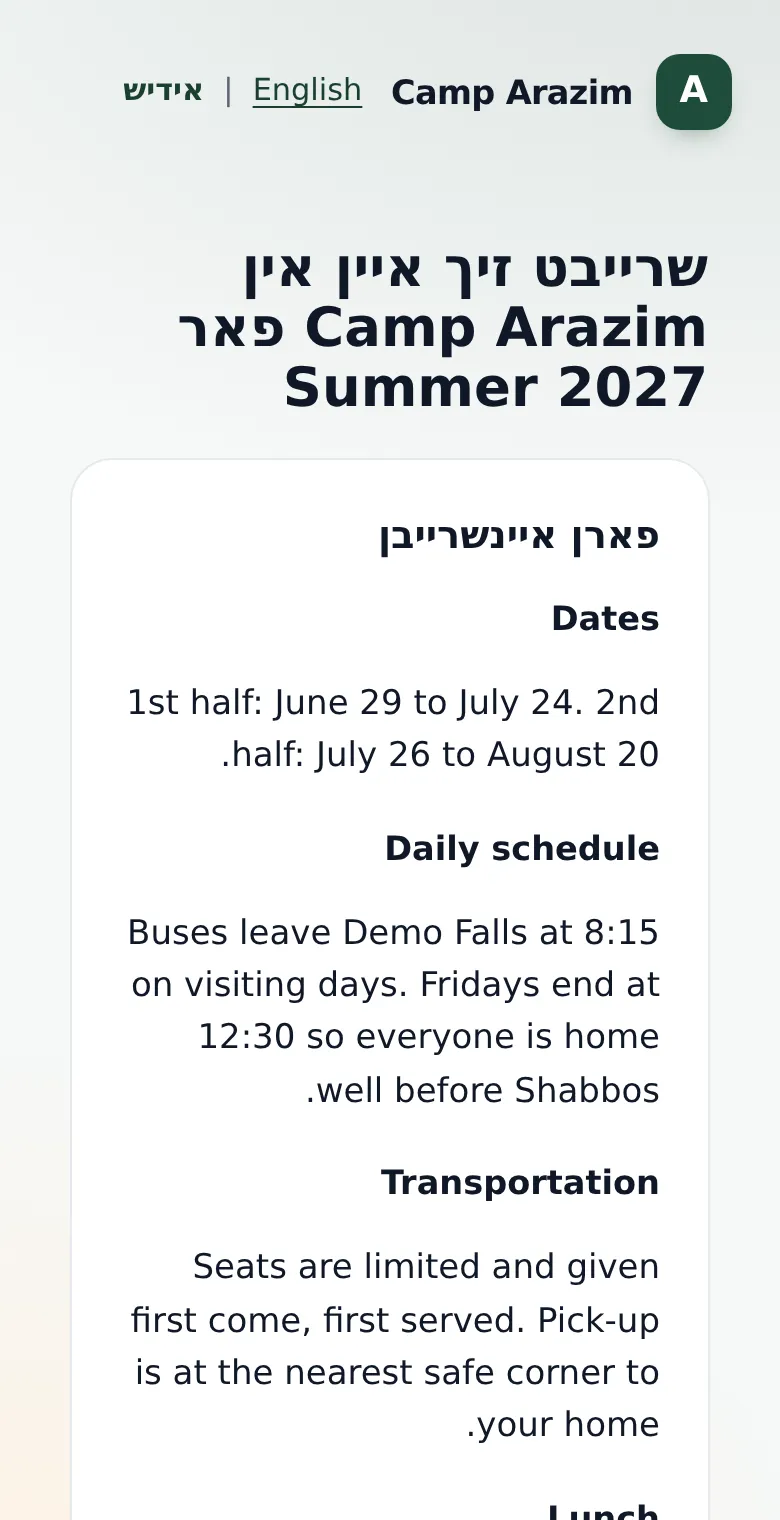
Turn on Yiddish and families choose the language they read. Their page, the apply page, your letters and their statements show in Yiddish, right to left. The office stays in English.
Parents on filtered internet
Your camp website loads nothing from outside, and the help guides say exactly what to tell parents who use a filtering service, so their family page opens for them.
Questions about family pages
How do parents get to their page?
Each family has its own private link, which you send them by email or text. New families start from your apply page.
What if a link is shared by mistake?
Make a new link for that family from the office; the old one stops working.
See it with your own camp in mind
Look around a sample camp with made-up families, or tell us about your camp and we'll show you how it would work for you.